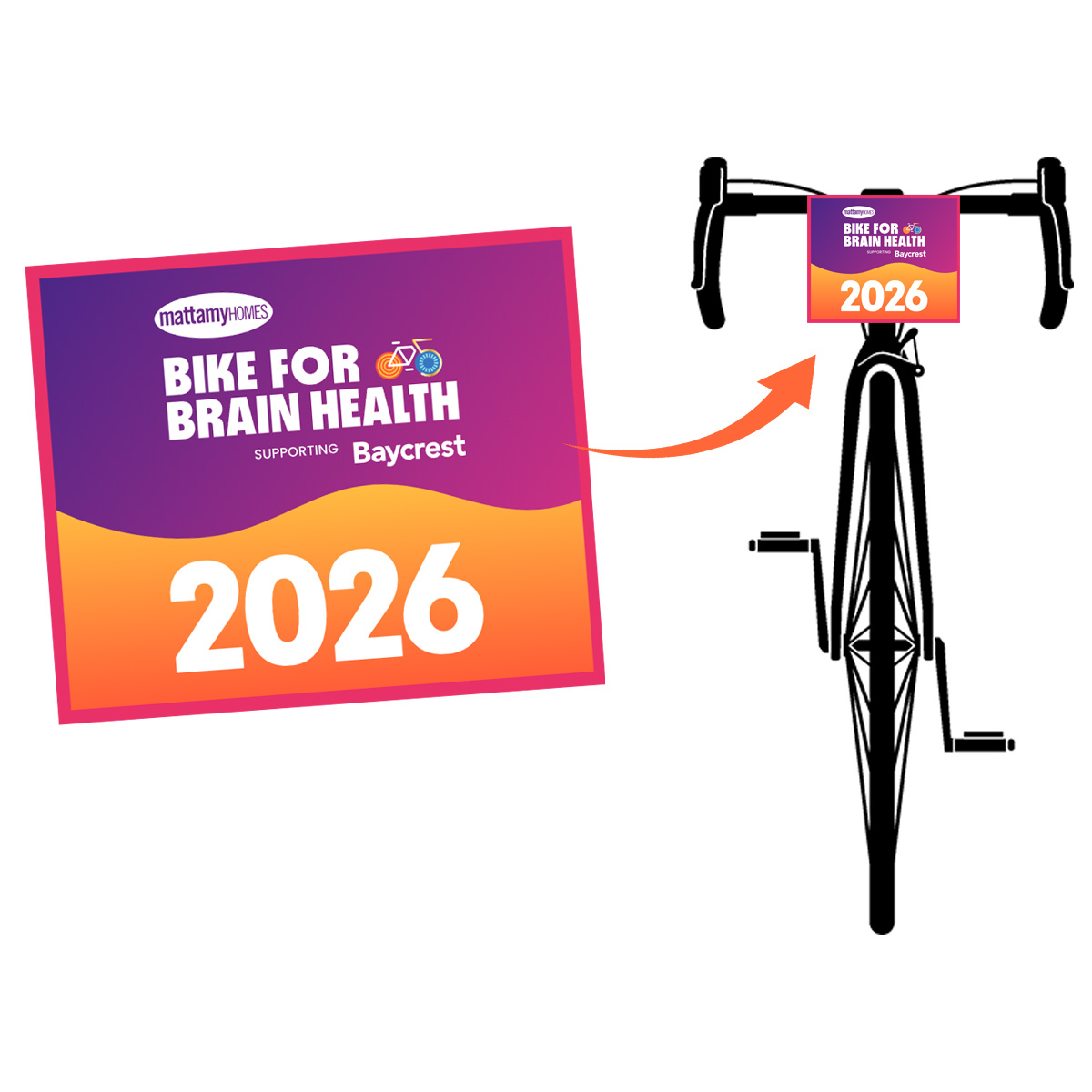
- log into your Participant Centre
- On the top left-hand side, you will see a “Profile”” tab, select the Profile tab
- Click on “Event Options” tab
- At the bottom, you will see the option to “Create a team”, select this option
- From there you can select a team name.
- Company can be left blank unless you are a corporate participant in which case you would select your industry from the drop down.
BIKE TEAM:
BikeForBrainHealthDVP@Baycrest.org
416-785-2500 ext 6600
MEDIA REQUESTS:
Natasha Nacevski-Laird
Specialist, Media Relations
nnacevski-laird@baycrest.org
SPONSORSHIP INQUIRIES:
Stacey Carcao
Manager, Corporate Sponsorships and Events
scarcao@baycrest.org

Baycrest Foundation Registration No. 119215242RR0001
3560 Bathurst St, Toronto ON M6A 2E1
© Copyright 2024-2025 | Baycrest Foundation | All Rights Reserved
MEDIA REQUESTS:
Natasha Nacevski-Laird
Specialist, Media Relations
nnacevski-laird@baycrest.org
SPONSORSHIP INQUIRIES:
Stacey Carcao
Manager, Corporate Sponsorships and Events
scarcao@baycrest.org
Baycrest Foundation Registration No. 119215242RR0001
3560 Bathurst St, Toronto ON M6A 2E1
© Copyright 2024-2025 | Baycrest Foundation | All Rights Reserved